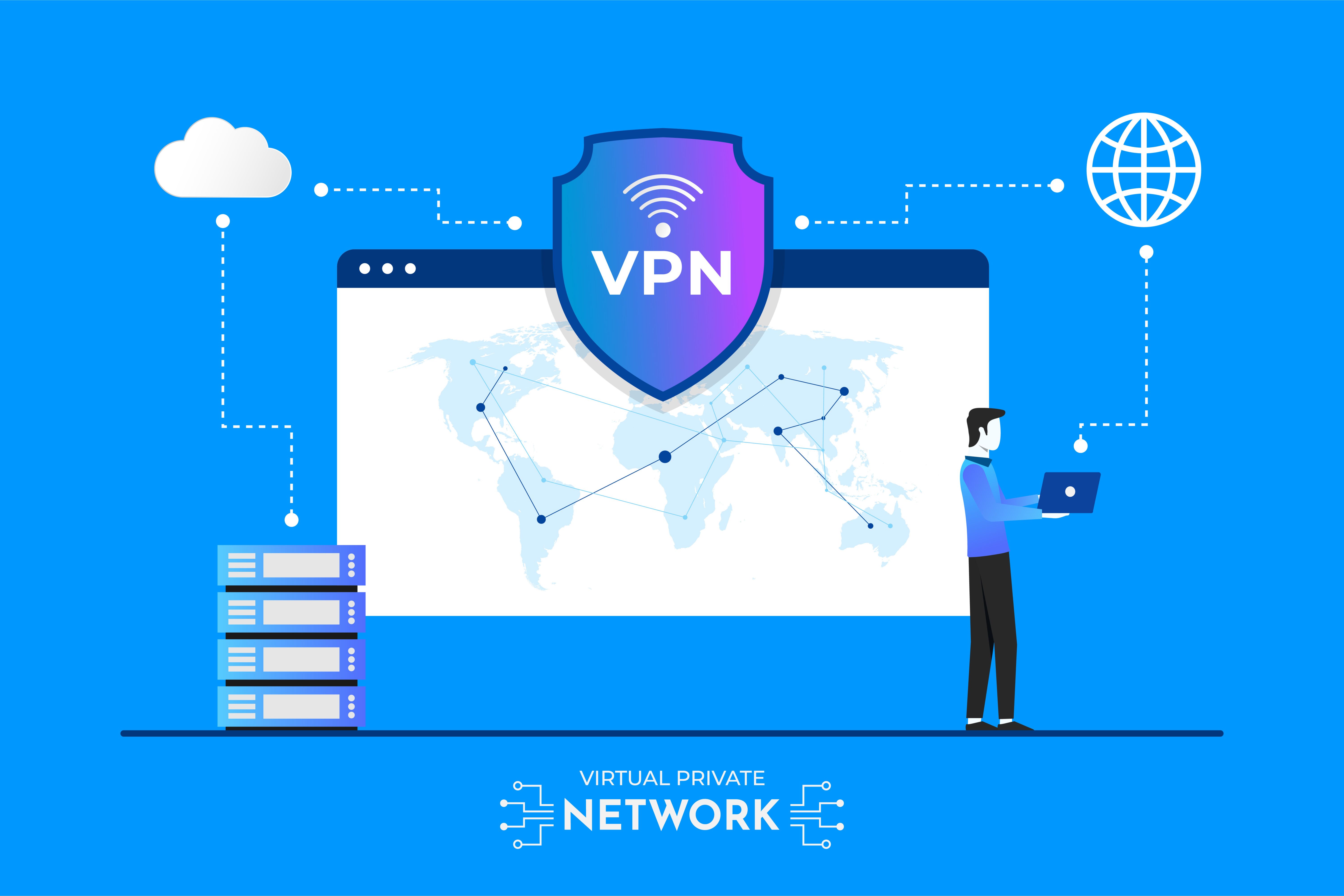
The Ultimate Guide to Online Privacy: Why You Need a VPN in 2026
Introduction: The Digital Privacy Crisis of 2026
In an era where our entire lives exist online—from banking and healthcare to social connections and work—protecting your digital privacy has never been more critical. As we navigate through 2026, cyber threats have evolved dramatically, with sophisticated tracking technologies, data breaches, and government surveillance reaching unprecedented levels. Virtual Private Networks (VPNs) have transformed from optional privacy tools into essential digital security infrastructure.
Whether you're a remote worker handling sensitive company data, a content creator protecting intellectual property, or simply someone who values their right to privacy, understanding VPN technology is no longer optional—it's a necessity. This comprehensive guide will explore why VPNs have become indispensable in 2026 and how they protect you in an increasingly connected world.
What is a VPN and How Does It Work?
A Virtual Private Network (VPN) creates an encrypted tunnel between your device and the internet, masking your IP address and routing your traffic through secure servers. When you connect to a VPN, your Internet Service Provider (ISP) can no longer see what websites you visit or what data you transmit. Instead, they only see encrypted data traveling to a VPN server.
Modern VPN protocols in 2026 utilize military-grade encryption standards like AES-256, combined with advanced protocols such as WireGuard, Shadowsocks, and V2Ray. These technologies ensure that even if someone intercepts your data, they cannot decipher it. The VPN server acts as an intermediary, making it appear as though your internet traffic originates from the server's location rather than your actual physical location.
Key Components of VPN Technology
- Encryption: Scrambles your data into unreadable code
- Tunneling Protocols: Establishes secure pathways for data transmission
- Server Network: Global infrastructure that routes your traffic
- Kill Switch: Automatically disconnects internet if VPN connection drops
- DNS Leak Protection: Prevents your DNS queries from being exposed
Why You Need a VPN in 2026: Critical Reasons
1. Protection from Cyber Threats and Hackers
Cybercrime has reached epidemic proportions in 2026, with hackers employing increasingly sophisticated methods to steal personal information, financial data, and login credentials. Public Wi-Fi networks—found in cafes, airports, hotels, and shopping centers—are prime hunting grounds for cybercriminals using packet sniffing and man-in-the-middle attacks.
A VPN encrypts all data transmitted from your device, making it impossible for hackers to intercept and read your information. Even if you're connected to a compromised network, your data remains secure within the encrypted tunnel. This protection extends to preventing session hijacking, where attackers steal your active login sessions to gain unauthorized access to your accounts.
2. Bypassing Geographical Restrictions and Censorship
Internet censorship and geo-blocking have intensified globally. Many countries restrict access to social media platforms, news websites, and communication tools. Streaming services enforce strict geographical licensing agreements, limiting content availability based on your location. Educational and research materials are sometimes blocked by regional firewalls.
VPNs allow you to connect to servers in different countries, effectively changing your virtual location. This capability is particularly valuable for expatriates wanting to access content from their home countries, journalists working in restrictive regions, researchers accessing academic databases, and travelers who want uninterrupted access to their usual online services.
3. Preventing ISP Tracking and Data Selling
Your Internet Service Provider can see every website you visit, every file you download, and every online activity you perform. In 2026, many ISPs monetize this data by selling detailed browsing profiles to advertisers, data brokers, and analytics companies. Some ISPs implement throttling—deliberately slowing down your connection for specific services like streaming or gaming.
When you use a VPN, your ISP only sees encrypted traffic going to a VPN server. They cannot monitor your browsing habits, track your online activities, or sell your data to third parties. Additionally, VPNs prevent bandwidth throttling, ensuring consistent internet speeds regardless of what services you're accessing.
4. Secure Remote Work and Business Operations
The remote work revolution of the 2020s has created new security challenges. Employees access company networks from home offices, co-working spaces, and while traveling. This distributed workforce model exposes sensitive business data to numerous potential vulnerabilities.
Corporate VPNs provide secure access to company resources, protecting intellectual property, client information, and proprietary data. They enable secure file sharing, video conferencing, and collaboration without exposing sensitive information to public networks. For businesses operating internationally, VPNs ensure compliance with data protection regulations like GDPR and CCPA.
Step-by-Step Guide: Choosing and Using a VPN
Step 1: Identify Your VPN Needs
Before selecting a VPN service, determine your primary use case:
- Privacy-focused browsing and general security
- Streaming content from different regions
- Torrenting and P2P file sharing
- Gaming with reduced latency
- Business and remote work security
Step 2: Research VPN Providers
Evaluate VPN services based on these critical factors:
- No-logs policy: Ensures the provider doesn't store your activity data
- Server locations: More servers in diverse locations provide better performance
- Encryption standards: Look for AES-256 encryption and modern protocols
- Connection speed: Premium VPNs maintain high speeds despite encryption
- Device compatibility: Support for all your devices (computers, phones, routers)
- Customer support: 24/7 assistance for technical issues
Step 3: Installation and Configuration
Once you've chosen a VPN provider:
- Download the official app from the provider's website
- Install the application on your device
- Log in using your account credentials
- Select your preferred protocol (WireGuard recommended for speed, OpenVPN for compatibility)
- Enable features like kill switch and DNS leak protection
- Choose a server location based on your needs
- Connect and verify your new IP address using online tools
Step 4: Best Practices for VPN Usage
- Keep your VPN application updated to the latest version
- Use the kill switch feature to prevent accidental data exposure
- Connect to nearby servers for optimal speed
- Enable auto-connect on untrusted networks
- Regularly test for DNS leaks using dedicated websites
- Use split tunneling when appropriate to optimize performance
Common VPN Myths Debunked
Myth 1: "VPNs Make You Completely Anonymous"
While VPNs significantly enhance privacy, they don't provide complete anonymity. Your VPN provider can technically see your traffic, which is why choosing a trustworthy provider with a verified no-logs policy is crucial. For maximum anonymity, combine VPN usage with other privacy tools like Tor browser and privacy-focused search engines.
Myth 2: "Free VPNs Are Just as Good as Paid Ones"
Free VPNs often compromise your security rather than enhance it. Many free services log and sell your data, inject advertisements, limit bandwidth, offer slow speeds, and may even contain malware. If you're not paying for the product, you are the product. Premium VPNs invest in infrastructure, security audits, and privacy protections that free services cannot match.
Myth 3: "VPNs Always Slow Down Your Internet"
Modern VPN technology in 2026 has dramatically minimized speed loss. While encryption does add processing overhead, premium VPNs using protocols like WireGuard can operate with minimal speed reduction—often just 5-10%. In some cases, VPNs can actually improve speeds by bypassing ISP throttling.
Frequently Asked Questions (FAQ)
Is it legal to use a VPN?
VPNs are legal in most countries, including the United States, United Kingdom, Canada, and most of Europe. They are legitimate privacy tools used by businesses, individuals, and even government agencies. However, some countries with restrictive internet policies have banned or heavily regulated VPN use. Always research local laws before using a VPN in unfamiliar jurisdictions. Note that while VPNs are legal, using them for illegal activities remains illegal.
Can my ISP detect that I'm using a VPN?
Your ISP can detect that you're connected to a VPN server, but they cannot see what you're doing or what websites you're visiting. They'll only see encrypted traffic flowing to and from VPN servers. Some advanced VPN protocols like Shadowsocks and V2Ray are designed to be difficult to detect, appearing as regular HTTPS traffic.
Will a VPN protect me from viruses and malware?
VPNs primarily focus on privacy and encryption, not malware protection. While some VPN services include basic ad-blocking and malicious website filtering, you should still use dedicated antivirus software, keep your operating system updated, and practice safe browsing habits. Think of a VPN as one layer in a comprehensive security strategy.
How much does a good VPN cost?
Quality VPN services typically range from $3 to $12 per month, with significant discounts for annual subscriptions. Most providers offer money-back guarantees, allowing you to test their service risk-free. Consider the cost an investment in your digital privacy and security—far less expensive than recovering from identity theft or data breaches.
Can I use one VPN subscription on multiple devices?
Most premium VPN providers allow simultaneous connections on 5-10 devices per subscription. Some services offer unlimited simultaneous connections. You can typically install the VPN on smartphones, tablets, computers, smart TVs, and routers, protecting your entire household with a single subscription.
Conclusion: Taking Control of Your Digital Privacy
As we progress through 2026, the importance of digital privacy continues to escalate. VPNs have evolved from niche security tools into essential utilities for anyone who uses the internet. They protect against cyber threats, preserve your privacy from invasive tracking, enable access to unrestricted information, and secure your online activities across all networks.
The question is no longer whether you need a VPN, but rather which VPN best fits your specific requirements. Whether you're concerned about identity theft, government surveillance, ISP data collection, or simply want the freedom to access content without restrictions, a quality VPN service provides peace of mind in an increasingly interconnected world.
Investing in a reputable VPN service is one of the most effective steps you can take to protect your digital life. Don't wait until you experience a security breach or privacy violation—take proactive measures today to secure your online presence for tomorrow.
Myanmar Summary - မြန်မာဘာသာ အကျဉ်းချုပ်
၂၀၂၆ ခုနှစ်တွင် အွန်လိုင်းလုံခြုံရေးသည် အလွန်အရေးကြီးလာပါသည်။ VPN (Virtual Private Network) များသည် သင့်အင်တာနက်အသုံးပြုမှုကို ကုဒ်ဖြင့်ဝှက်ထားပေးပြီး၊ သင့်လျှို့ဝှက်ချက်များကို ကာကွယ်ပေးပါသည်။
VPN အသုံးပြုခြင်းဖြင့် သင်သည် Hackers များ၊ အစိုးရစောင့်ကြည့်မှု၊ ISP Data ရောင်းချမှုမှ ကာကွယ်နိုင်ပါသည်။ နိုင်ငံခြားမှ Website များနှင့် Streaming Services များကိုလည်း အလွယ်တကူ ဝင်ရောက်နိုင်ပါသည်။
အရည်အသွေးကောင်းမွန်သော VPN တစ်ခုရွေးချယ်ရာတွင် No-logs policy၊ AES-256 encryption၊ မြန်ဆန်သော Server များနှင့် ၂၄/၇ Customer Support ပါဝင်မှုကို စစ်ဆေးသင့်ပါသည်။
Premium By PG တွင် လုံခြုံပြီး မြန်ဆန်သော VPN Service များကို ကောင်းမွန်သောစျေးနှုန်းဖြင့် ရယူနိုင်ပါသည်။ သင့်ဒစ်ဂျစ်တယ်လုံခြုံရေးအတွက် ယနေ့ပင် စတင်ကာကွယ်ပါ။
Share this article: