
Loading...
Please wait while we prepare your experience
Please wait while we prepare your experience
Learn how to set up and use Express VPN with our comprehensive step-by-step instructions. This guide is optimized for Android and iOS mobile devices.
Download Official VPN Apps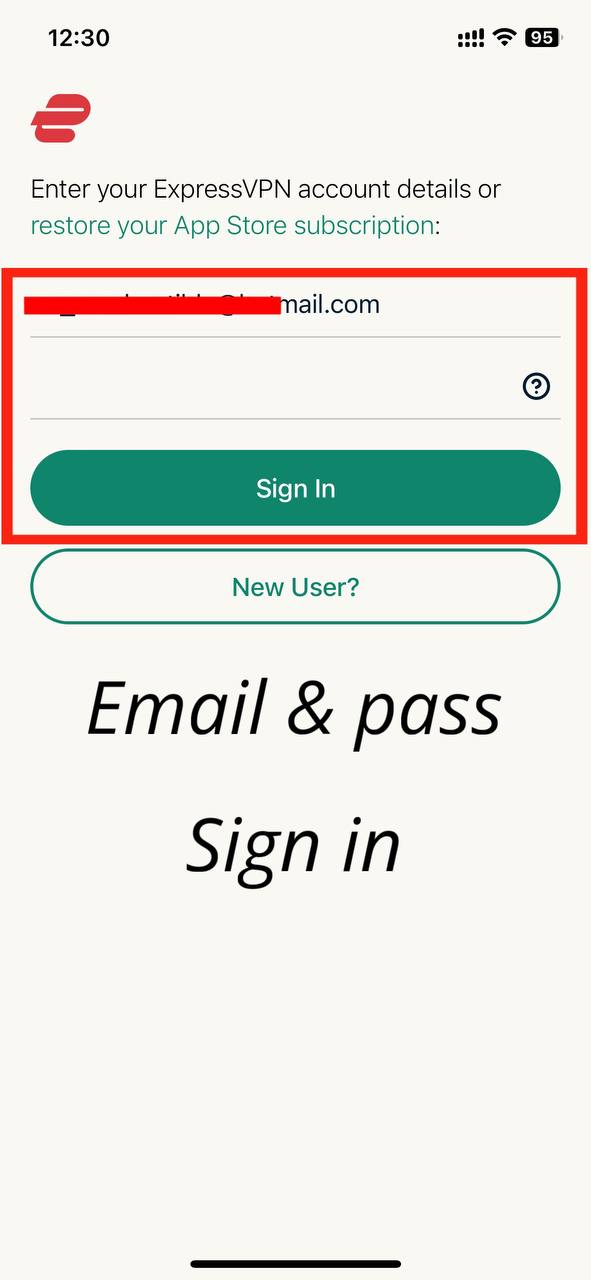
Copy the provided credentials and paste them into the sign-in fields. Note: This account is for Mobile only.
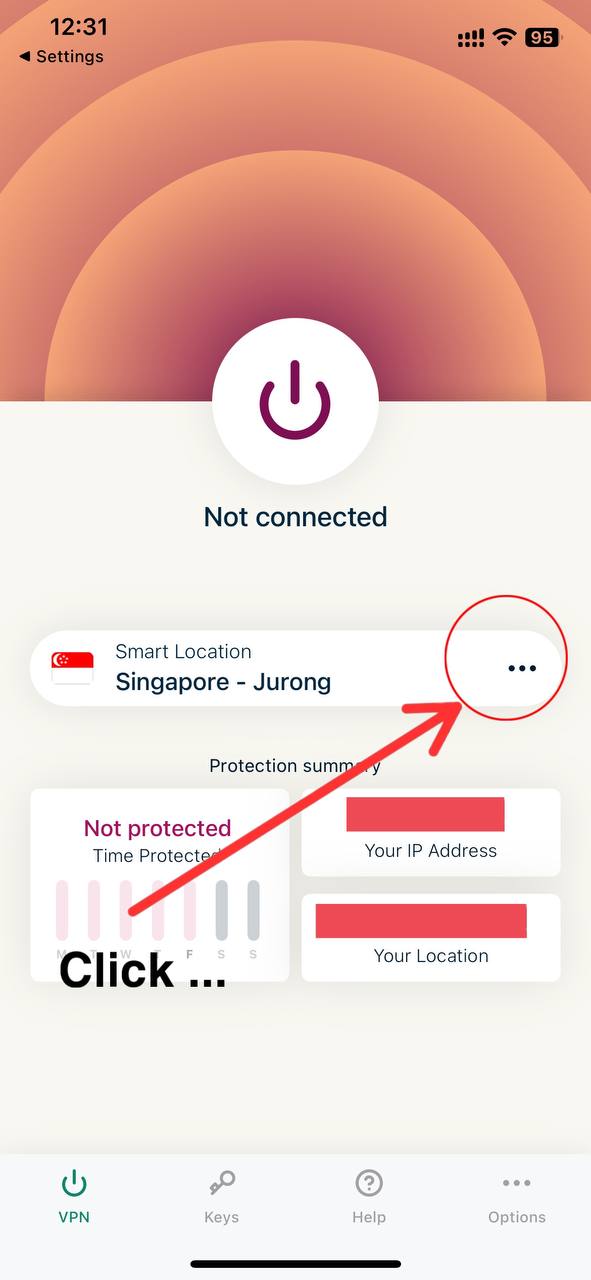
Click the menu icon (...) to choose your preferred server location.
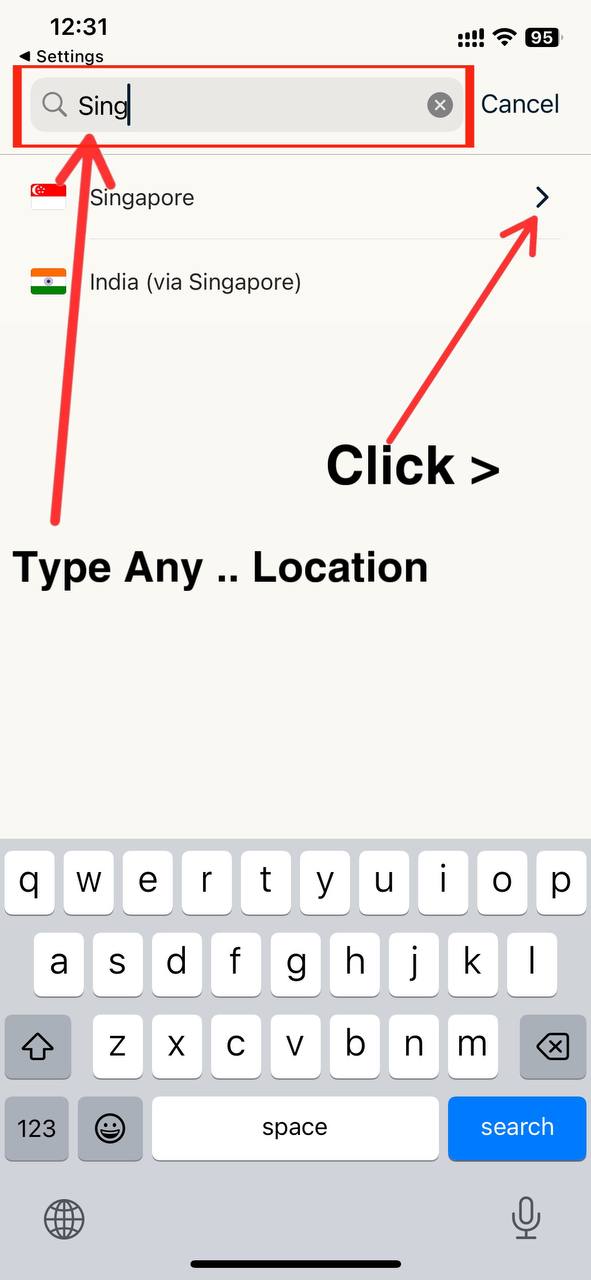
Select a location that offers the best speed for your current network.
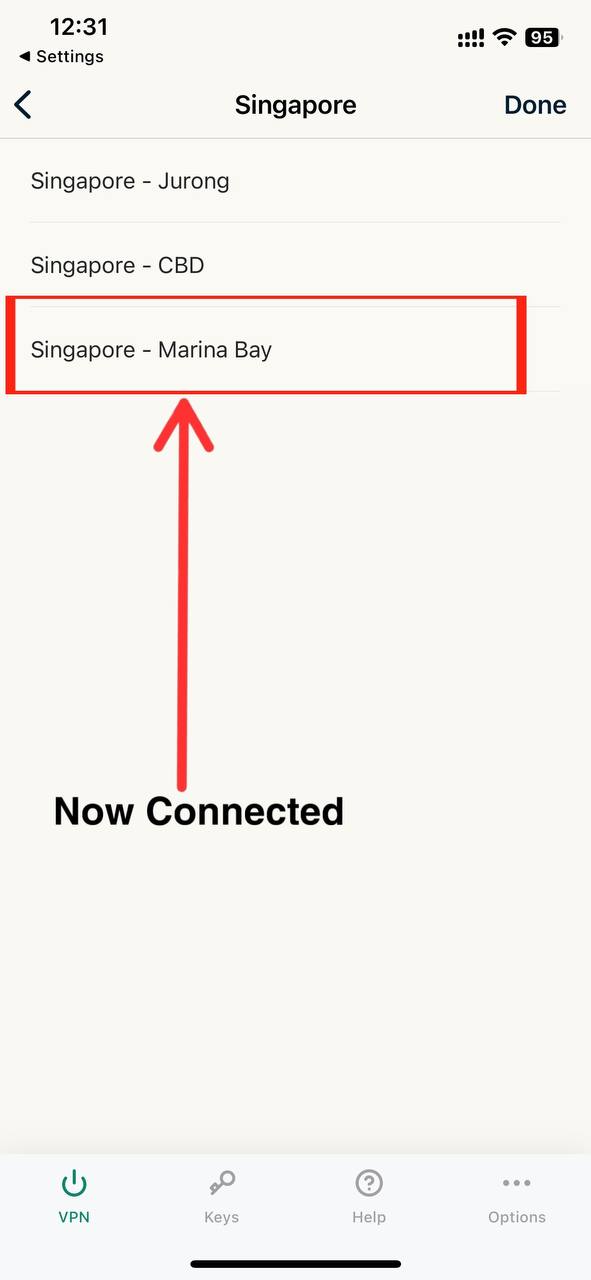
A list of recommended regions for optimal stability will be displayed.
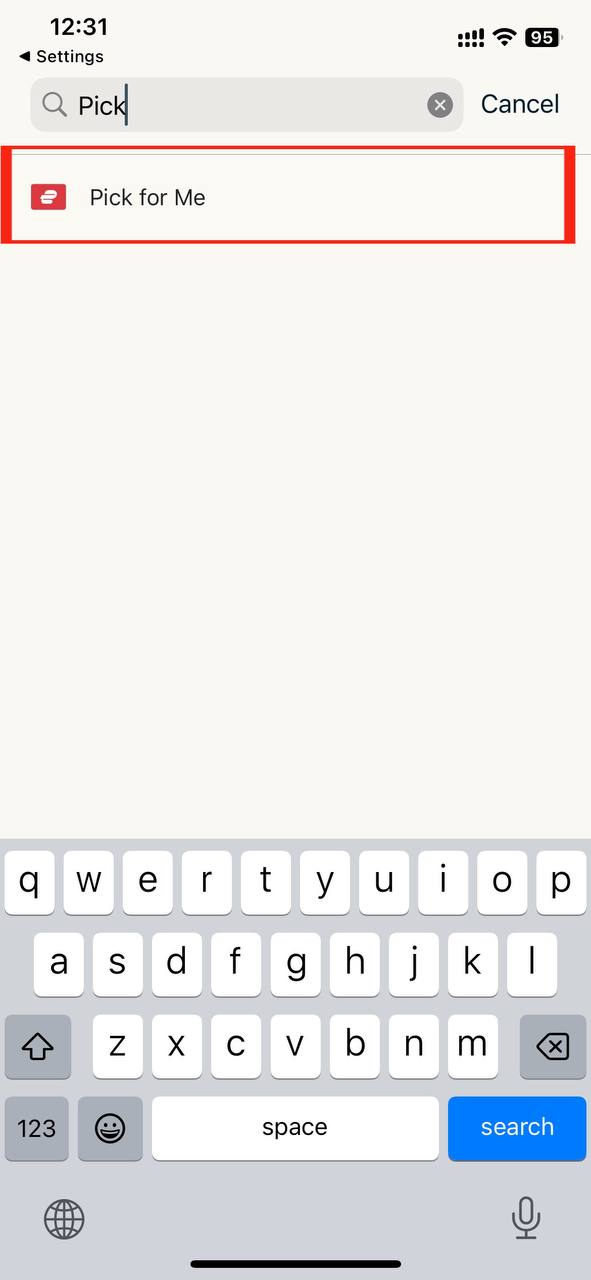
If connection fails, try the 'Pick For Me' feature for automatic optimization.
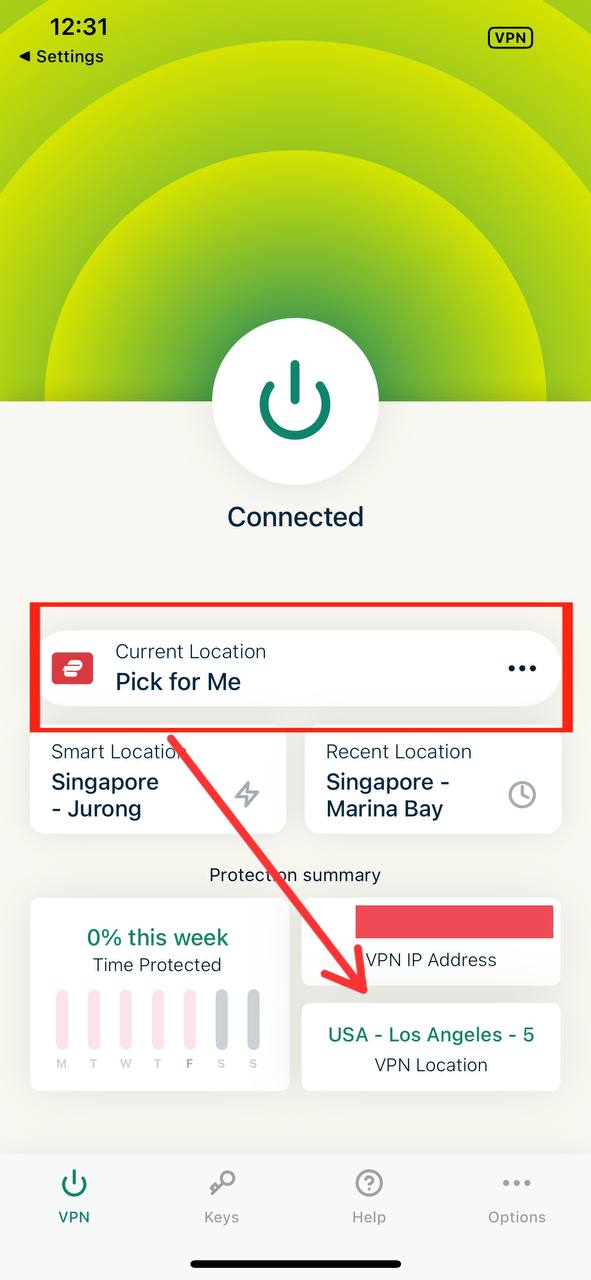
Tap the power button to connect and secure your online activities.
If you encounter any issues during the setup process, please reach out to our support team. We are available 24/7 to assist you.
Contact Support