
Loading...
Please wait while we prepare your experience
Please wait while we prepare your experience
Learn how to set up and use Outline VPN with our step-by-step instructions. This comprehensive guide is compatible with Android, iOS, Windows, and Mac devices.
Download Official VPN Apps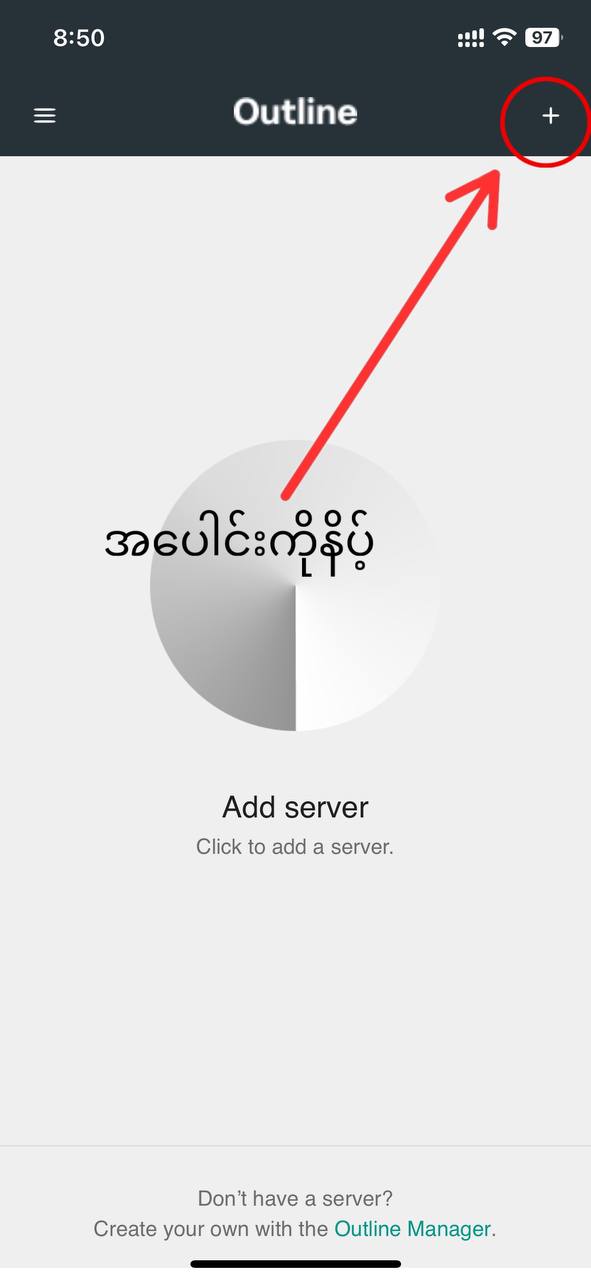
Copy the access key (ss://...) provided by the support team.
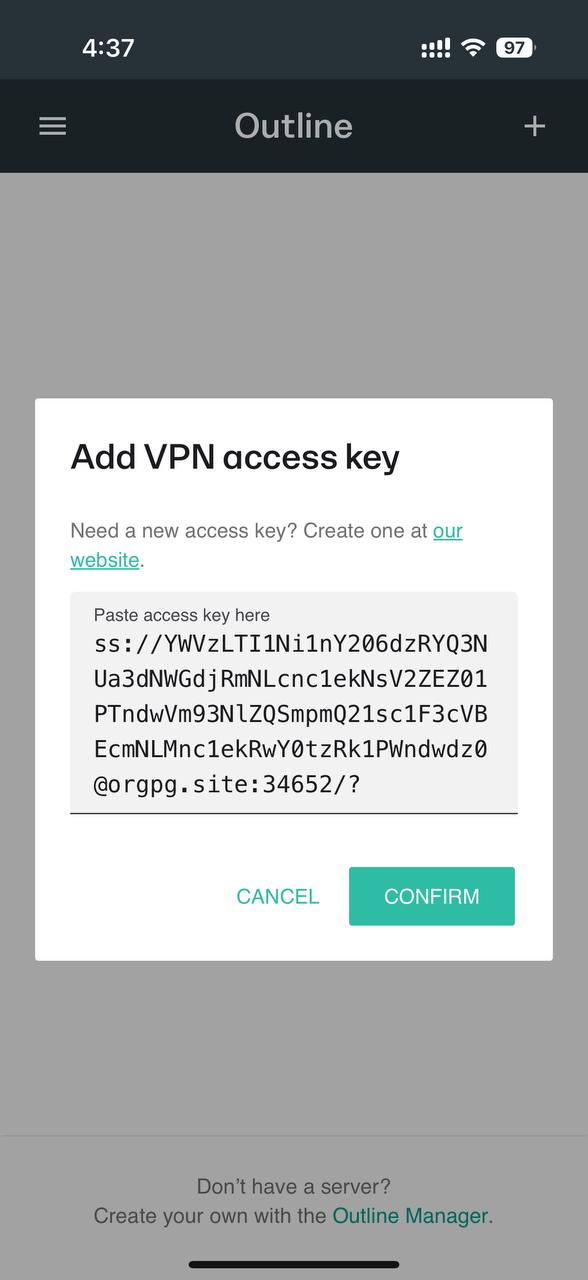
Paste the key into the app and click the 'Confirm' button.
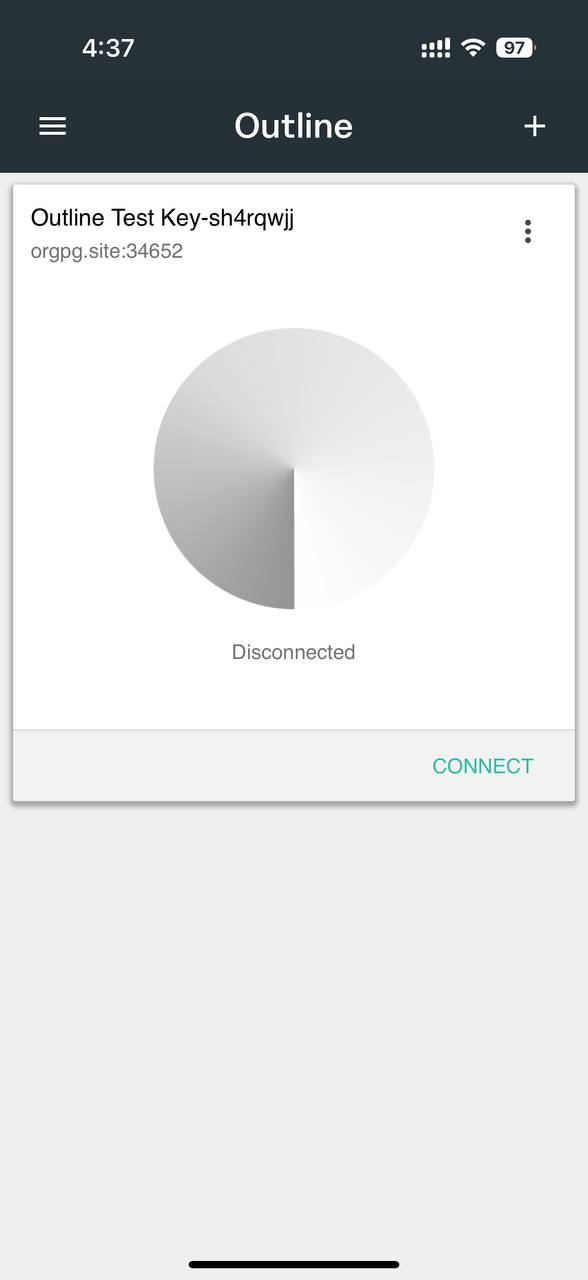
The server location and node name will appear on the dashboard.
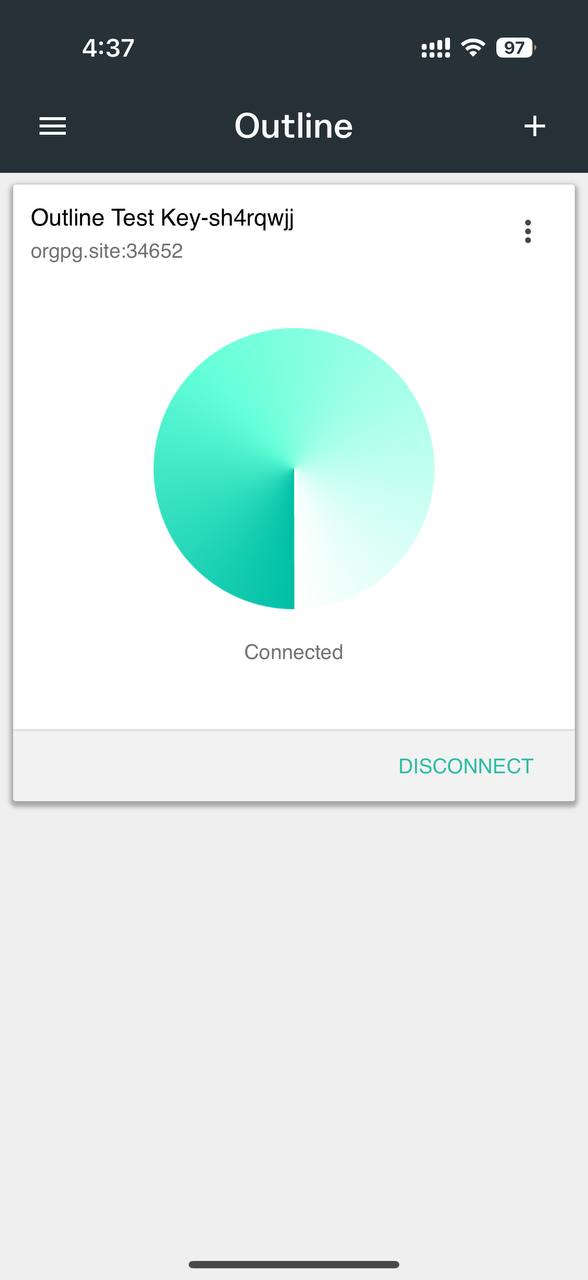
Click 'Connect' to establish your private internet connection.
If you encounter any difficulties while configuring your VPN, please reach out to our professional support team for assistance.
Contact Us